

Saner Container Orchestration Asset Exposure (COAE)
See Every Kubernetes Resource or Cluster and Know What Is Exposed
Discover and monitor clusters, nodes, workloads, identities, entitlements and publicly accessible components across standalone, on-premises, EKS, AKS, and GKE environments from one asset-focused view.

How it works
Powered by Prevention & USI
Saner COAE is part of Saner COSP, bringing SecPod’s prevention-first security approach to Kubernetes asset exposure across on-premises and managed Kubernetes environments.
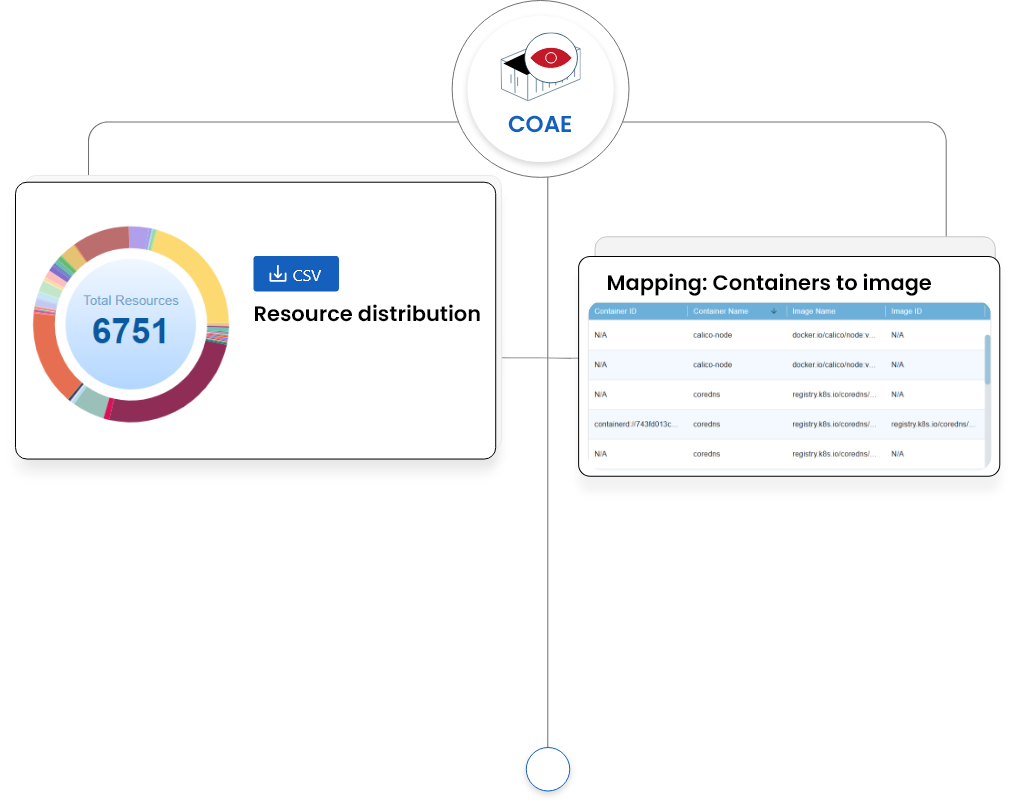
How it works
Powered by Prevention & USI
Saner COAE is part of Saner COSP, bringing SecPod’s prevention-first security approach to Kubernetes asset exposure across on-premises and managed Kubernetes environments.
Your first 30 days with Saner
From deployment to measurable risk reduction — here is what to expect.

Kubernetes resources become visible
Saner COAE discovers clusters, nodes, workloads, and related resources across connected environments. Teams gain a common inventory and can identify components using public network interfaces.
Exposure reviews become more focused
Teams categorize resources, examine Standard or JSON details, and add selected assets to Watchlists. Public exposure and high-priority resources become easier to review without working through the full inventory each time.
Asset monitoring becomes repeatable
Resource distribution, categorization, trend views, and Watchlists become part of a recurring review process. Security and platform teams can follow resource changes and investigate conditions that require attention.
Key Features
Everything you need to stay ahead of threats.
Kubernetes Resource Discovery
Automatically discover clusters, nodes, workloads, and related resources across standalone, on-premises, Amazon EKS, Microsoft AKS, and Google GKE environments. A consolidated inventory gives teams a current view of their Kubernetes estate without requiring separate asset lists for each cluster type or deployment model.
Public Exposure Identification
Quickly distinguish resources that use public network interfaces from those without public access. Clear exposure visibility helps teams identify externally reachable components, confirm whether that access is expected, and focus further investigation on resources whose reachability does not match the intended architecture.
Security-Focused Resource Categorization
Organize discovered resources into security-focused categories that make large Kubernetes estates easier to review. Instead of working through one undifferentiated inventory, teams can examine related resource groups, understand how the estate is composed, and narrow their analysis to the resource types relevant to a specific review.
Custom Resource Watchlists
Create Watchlists that group internet-facing workloads, sensitive services, and other high-priority resources for closer monitoring. Teams can return directly to selected assets, review changes or associated risks, and maintain focus on important resources even as the wider Kubernetes inventory continues to change.
Standard and JSON Detail Views
Choose the level of resource detail that fits the investigation. Standard view presents configuration, permissions, usage, and posture information in a readable format for faster review, while JSON view gives technical teams access to the underlying data for deeper validation and troubleshooting.
Distribution, Categorization, and Trend Views
Visualize how Kubernetes resources are distributed, how they are categorized, and how the inventory changes across scans. These views help teams track shifts in resource volume and composition, identify patterns that need attention, and maintain an ongoing understanding of the Kubernetes estate.